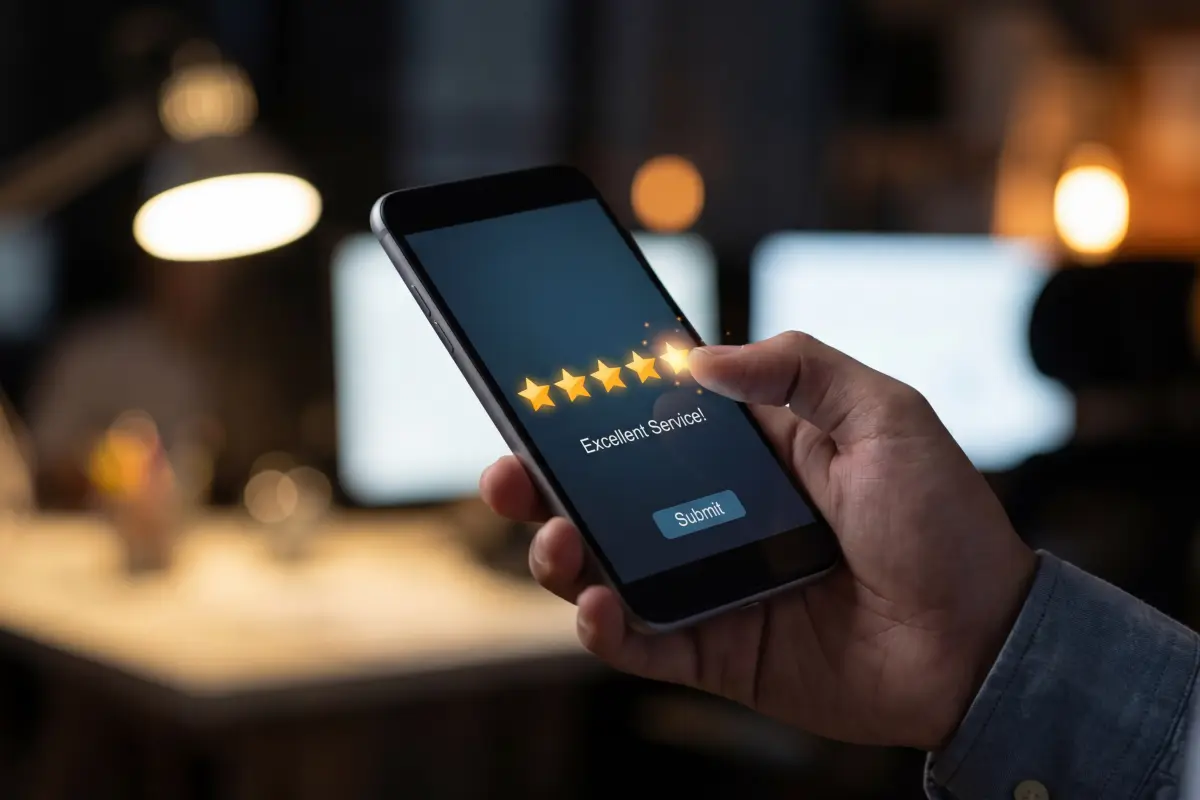
Google reviews help a business in two ways. Google uses them to decide which businesses to show on the map, and the person looking at the map uses them to decide whom to call. A clinic with 150 reviews and a 4.6 rating usually looks safer than one with four reviews and a perfect 5.0.
Most businesses have many more happy customers than reviews, and mostly the work is not the reason. Nobody asked, or the asking was awkward, or the review took too many taps. You can fix all of these.
Ask at the right moment
Ask just after the customer has said thank you. At that time they are in a good mood and they remember the visit well. For each business this moment comes at a different point.
- A clinic: when the patient is leaving relieved, or at the follow-up visit when they say they are better.
- A shop: at the billing counter, if the customer is happy with what they bought.
- A service business: after the job is done and checked, and you are still at the customer's home.
- A restaurant or caterer: when the customer praises the food, or on the morning after a function.
Ask in person first, with one short sentence. "We are a small local business, and Google reviews really help us. Could you leave one if you have a minute? I will send you the link." Then send the link on WhatsApp that same day itself, before they forget about you.
Make it a single tap
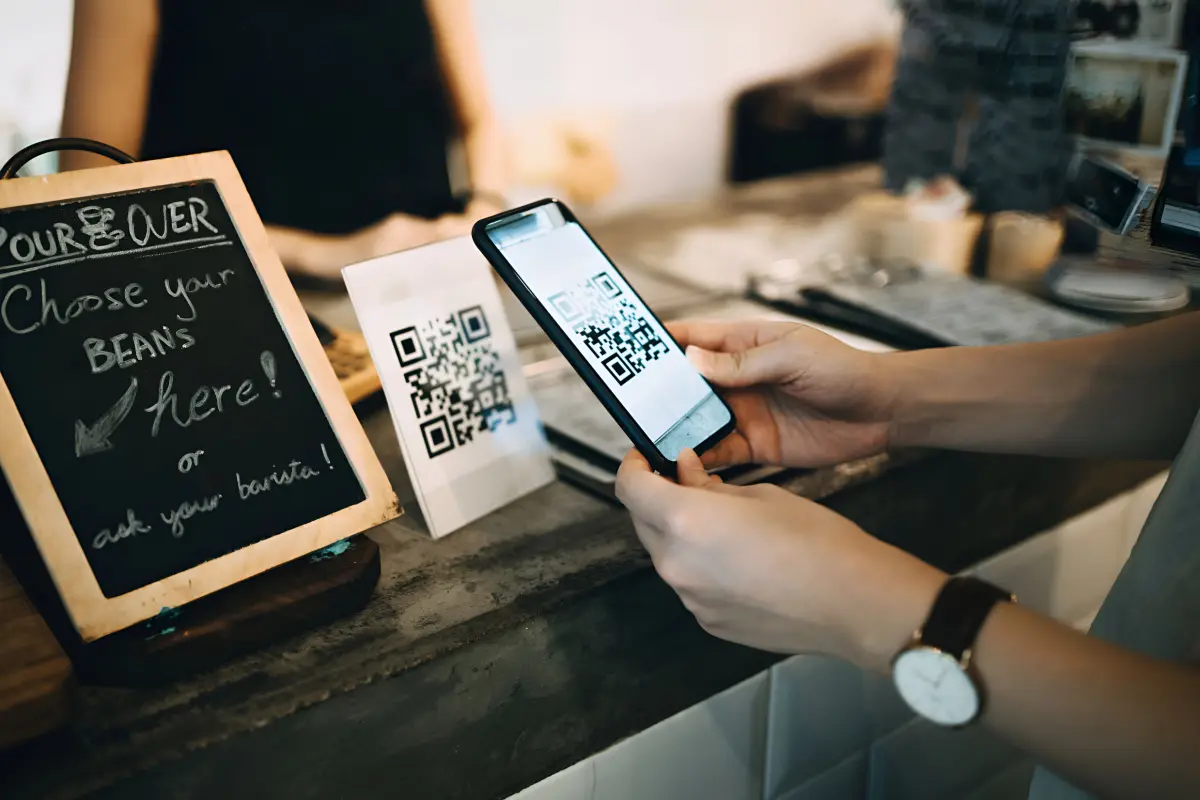
If the customer must search Maps, find your listing and then hunt for the review button, most will give up. Your Business Profile can give you a direct link and a QR code, and both open the review box straight away. In your profile, look for the option "Ask for reviews" or "Get more reviews".
Once you get the link, copy it and keep it somewhere handy.
- Save it as a quick reply in WhatsApp Business. Then staff can send it in two taps.
- Print the QR code on a small card and keep it at the counter. Customers can scan it with their own phones.
- Put it at the bottom of your bills and invoices, and in appointment reminders also.
Messages you can copy
Keep the message short and personal. Use the customer's name and mention what they came for, then ask for the review clearly.
In English
Hello Priya, thank you for coming to us today. If you were happy with our service, please leave a short Google review, it will help us a lot: [link]. Thank you!
In Tamil
வணக்கம்! இன்று எங்களிடம் வந்ததற்கு மிக்க நன்றி. எங்கள் சேவை உங்களுக்குப் பிடித்திருந்தால், Google-ல் ஒரு சிறிய review எழுதினால் எங்களுக்கு மிகவும் உதவியாக இருக்கும்: [link]. நன்றி!
Customers can write in Tamil also, no problem. A review in the customer's own words is worth more than polished one, and other local customers are reading Tamil reviews too.
Make asking for reviews a daily habit
Try to get a few reviews every week. Customers then see new reviews every time, and it looks natural. If fifty reviews come in one weekend and then nothing for six months, it looks odd to customers and to Google both.
Give this job to one person. At day end, the receptionist, the billing staff or the manager sends the link to the satisfied customers of that day. Count your reviews once a month, and thank the staff whenever the number goes up.
What Google does not allow
Google is strict on these rules. When it finds these, it removes the reviews, and sometimes it restricts the listing also. Please do not take that risk.
- Offering something in return. Giving a discount, a free item or an entry into a draw is not allowed. Many owners are thinking small gift is okay, but that also counts.
- Asking only happy customers. Google calls this review gating. You filter the customers first and send the link only to those who will likely leave a good review. Ask everyone, or ask in a way that does not screen anybody out.
- Reviews from staff, family or yourself. Anyone connected with the business should not review it, and that includes you.
- Buying reviews, or exchanging reviews with other businesses.
- A review station at the counter. Google discourages a shop tablet where customers type their review. The review should come from the customer's own phone and account.
- Writing reviews for customers, even if they give you permission.
Reply to every review
When you reply, people reading your listing can see that somebody is paying attention. Somebody praised you? Thank them in one line and mention what they came for. That is better than pasting the same sentence everywhere.
For a bad review, first wait till you are calm. Then reply in short. Accept the problem, tell what you have done about it, and ask them to call you to discuss about it. Never argue in public. Your reply is really for the next customer who reads the exchange.
What if you receive a fake review?
Sometimes a review is clearly not from a real customer, or it is abusive, or it is about some other business. You can report it to Google from your Business Profile, and Google will check it against its policies. Google may not remove it. Even when they do, it may take quite some time. Till then, reply calmly and keep asking your real customers. Over time their reviews will protect your rating from the fake one.
Want a review routine set up for you?
We set up the review link, the QR card and the staff messages, and help with replies also. This comes under our local SEO work. If your business is not on Google yet, first read how to get your business on Google Maps.
Written by The Webanzo team at Webanzo, Nagercoil. Spotted something out of date? Tell us and we will correct it.