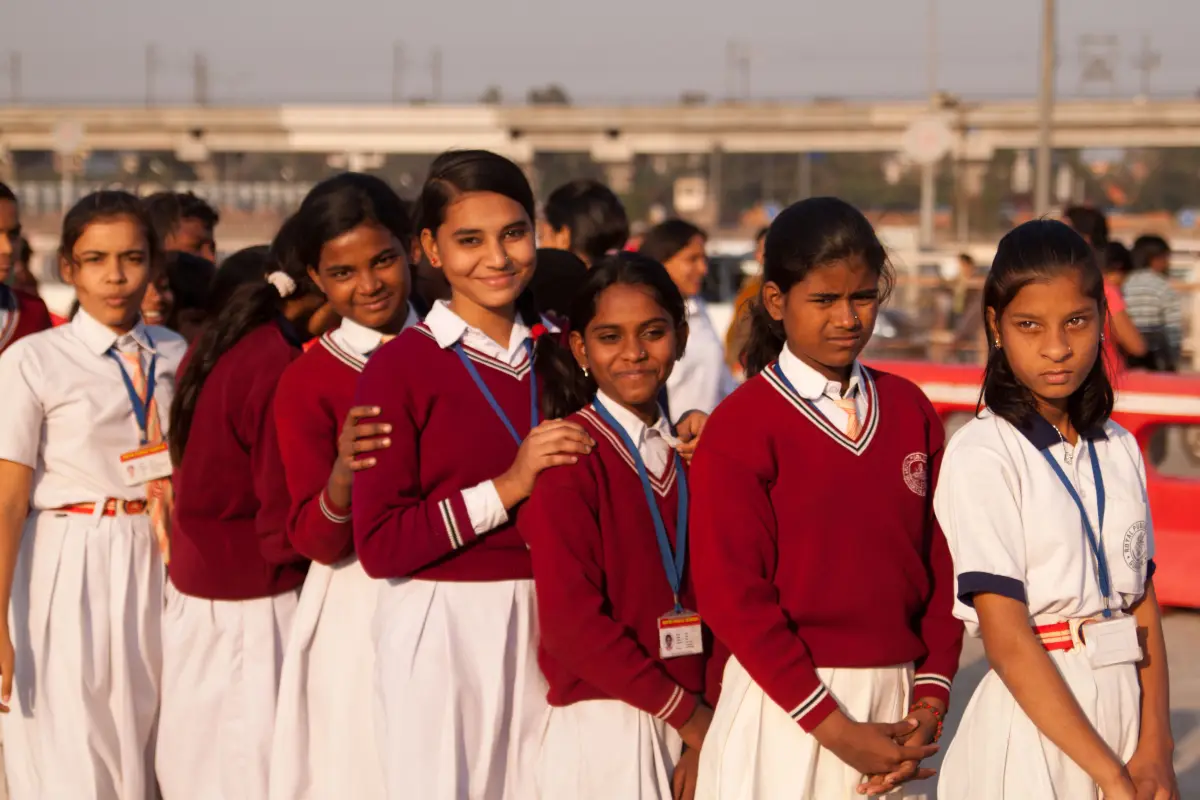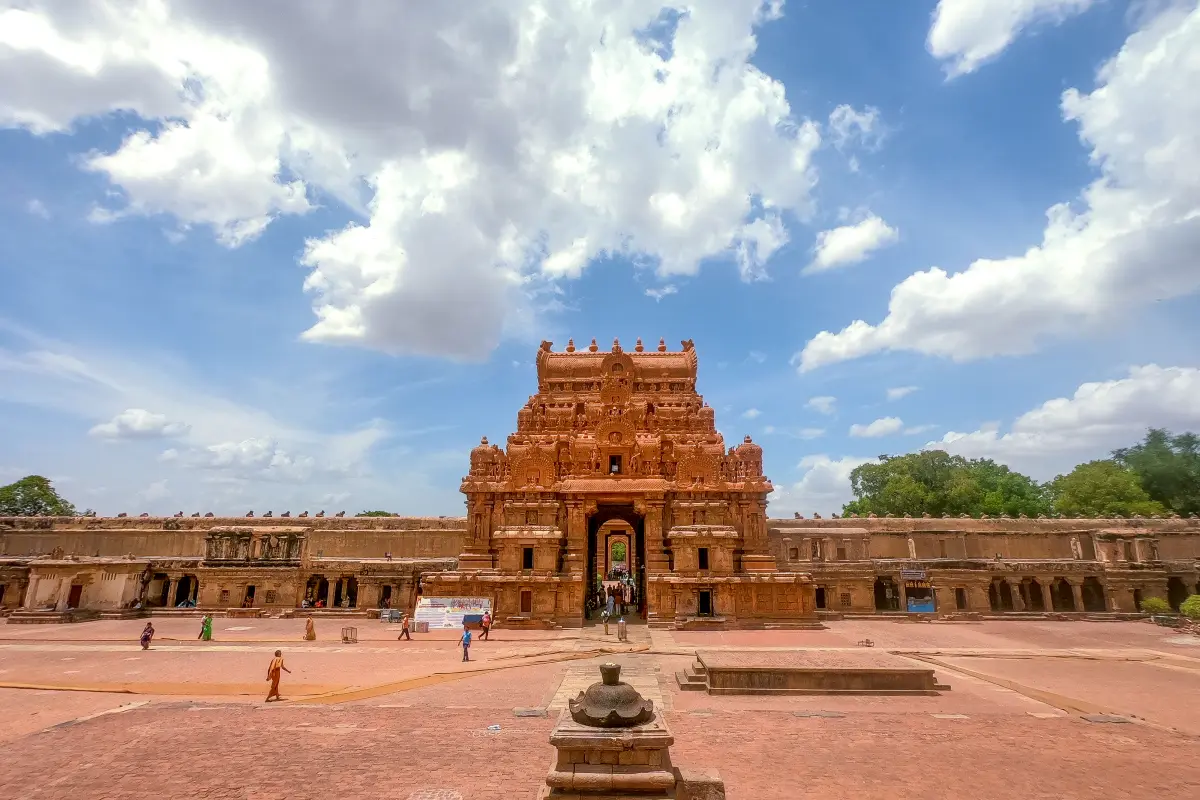
Many customers in Tamil Nadu read Tamil more comfortably than English, mostly older customers and people outside the big cities. This is true for schools, hospitals and temple trusts, and also for jewellers and government contractors. For them, a Tamil version of the website decides if a visitor understands the business or simply leaves.
But Tamil pages are where many websites go wrong. On some phones the letters break. Sometimes Google cannot read the text at all. Or the Tamil page is a rough machine translation, and the business looks bad in front of its own customers. You can avoid all of this easily once you know the causes.
Use Unicode Tamil, never the old fonts
Before Unicode became the standard, people typed Tamil with special fonts like Bamini, and with other fonts built on the TSCII or TAM/TAB systems. With these fonts the computer actually stores English letters and symbols. The font only draws them as Tamil on screen. Lot of DTP centres and printing presses are still working this way.
When a phone does not have that exact font, the visitor sees meaningless English characters. Google also gets only those junk letters. For Tamil searches your page won't come at all.
Unicode Tamil stores real Tamil letters. It shows correctly on every modern phone and computer. People can search it, copy it and share it on WhatsApp, and screen readers can read it aloud. Every Tamil word on your website should be in Unicode only.
How to check: copy one line of Tamil from your present website and paste it in a WhatsApp message or a Google search. If it still shows as Tamil, it is Unicode. If it changes into English letters and symbols, it is a legacy font, and the text has to be retyped or converted.
For text from an old printed brochure, ask the DTP person which font he used. There are conversion tools for Bamini and TSCII. But some letter combinations come out wrong after conversion, so always get someone to read the converted text.
Choose a web font made for Tamil
Every phone already has a basic Tamil font, so Unicode text will always show. A good web font on top of that makes the site look consistent and finished. Noto Sans Tamil, Mukta Malar, Catamaran and Hind Madurai are some free fonts designed for Tamil, and there are others also. Pick one that matches your English font in weight and feel.
Once the font is fixed, we do few small changes for phone screens.
- Slightly larger size. Tamil letters many times look smaller than English letters at the same font size. Set the Tamil text a little bigger and both will look even.
- More line spacing. Parts of Tamil letters go above and below the line. Our habit is to give a little more gap between lines than we give for English.
- A proper bold weight. If a font has no bold file, the browser fattens the letters by itself and small Tamil characters blur. Choose a font that comes in all the weights you need.
- Keep the font file light. Load only the weights you really use. On weak mobile signal, that saves the customer some waiting.
Keep separate pages for each language
On a bilingual site we put English on one page and Tamil on another page. Each one gets its own address. For example, yourbusiness.com/services for English and yourbusiness.com/ta/services for Tamil. This setup helps you in a few ways.
- When someone searches in Tamil, Google can show them the Tamil page. Others get the English page.
- Forward the Tamil link on WhatsApp and it opens in Tamil for the other person also.
- The Tamil page can be written for Tamil readers alone. No need to put both languages in every paragraph.
Two shortcuts we see many times are better avoided. One is a "translate" button where a script swaps the words on the same page. In that case Google usually sees only one language, and the translation is automatic. The other is sending visitors to one language automatically as per their phone settings, with no option to switch. Many Tamil speakers keep their phones in English. So let them choose, and put a clear link at the top of every page to the same page in the other language.
Tell browsers and Google which language is which
Your developer should do these things. But you should know about them, so you can ask.
- The language setting on each page (written
lang="ta"for Tamil in the page code). With this, browsers pick the right font and screen readers pronounce the words correctly. - Hreflang tags, which let Google know that the English and Tamil pages are versions of each other.
- Tamil titles and descriptions for the Tamil pages. People see these in Google results.
- Simple page addresses. Tamil letters are allowed in a web address. Copy that link into WhatsApp, though, and mostly you get a long line of % codes. Short English or transliterated addresses like /ta/admission are easier to share.
How people search: Tamil, English or Tanglish?
Even with a Tamil site, many customers will search in English only. They read Tamil easily, but on Google they type English. Some type Tamil words with English letters, because their keyboard is set up that way. Someone may type "veedu vadagaikku" or "house for rent Nagercoil" and still hope to read the answer in Tamil.
Write your Tamil pages naturally, and keep proper English pages also. After the site is live for a few months, Google Search Console will show the actual phrases people used to find you, in whatever script they typed. From those informations you can see where to put more effort.
Write it, do not just translate it
Automatic translation tools have improved. Even then, a Tamil reader will know it is machine Tamil after one line itself. Mostly it comes out stiff and formal. For trade terms it is many times plain wrong. The business then looks careless, and a Tamil page is supposed to do the opposite. Even Google tells site owners not to publish auto translated pages till a human has reviewed them.
The better options are below, with the best one first.
- A Tamil writer who takes your English pages and adapts them, instead of translating word for word.
- A person in your own business who writes good Tamil, and a second person who reads it at the end.
- A translation tool for the first draft only. A fluent reader must rewrite it before anything is published.
Decide in the beginning itself how formal your Tamil should be. A hospital, a school or a temple trust will suit formal Tamil. For a bakery or a mobile shop, a friendly, conversational tone works better. Where your customers actually use English words like "online", "booking" or "AC service", keep them as it is. Put pure Tamil words there and many readers will stop and scratch their head.
Small things that make a big difference
- Forms that accept Tamil. Type your name in Tamil and test the enquiry form. A badly set-up database saves it as question marks.
- Tamil on buttons and menus on the Tamil pages also, and not only in the body text.
- Numbers, prices and phone numbers in normal 0 to 9 digits, because everyone can read them easily.
- Tamil text in images kept to the minimum. Google cannot read words that are inside a picture, and customers cannot copy them. For one small change, you are calling the designer again.
Need a Tamil or Malayalam version?
We build bilingual sites in English and Tamil, and in English and Malayalam. The text is done by fluent writers. See website designing, or tell us about your site.
Written by The Webanzo team at Webanzo, Nagercoil. Spotted something out of date? Tell us and we will correct it.